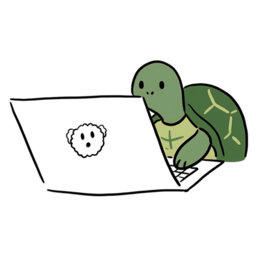
Beat tech neck with a turtle.
When your posture slips, a turtle quietly takes over your screen.
macOS 13+ · Free
Your camera feed never leaves your Mac.
Why posture reminders fail
Notifications get ignored.
How it works
1
Calibrate
Sit up straight and set your baseline.
2
Detect in real time
Your webcam watches your posture.
3
Gate
A turtle covers your screen.
Not a reminder. A gate.
Other apps nudge. Pick a Turtle stops you.
- Posturr Blurs the screen — soft
- SitApp · Nekoze Notifications — easy to ignore
- Pick a Turtle Covers the screen — you can't ignore it
It's a pre-commitment device.
Your camera never leaves your Mac
All posture detection runs on-device.
- Nothing stored
- Nothing transmitted
- No server
- No account
Built for long workdays
- Auto-pause during video calls
- Adjustable sensitivity
- Hold ESC for a 5-minute break
- Multi-monitor support
- Menu-bar status at a glance
- Pick any external webcam
FAQ
What permissions does it need?
Camera and Accessibility.
Which Macs are supported?
macOS 13 Ventura or later.
Will it interrupt my video calls?
No — it auto-pauses.
Does it slow down my Mac?
It stays light on CPU and battery.
Where does my camera video go?
Nowhere. On-device only.
Start free today
macOS 13 Ventura+ · Apple Silicon & Intel